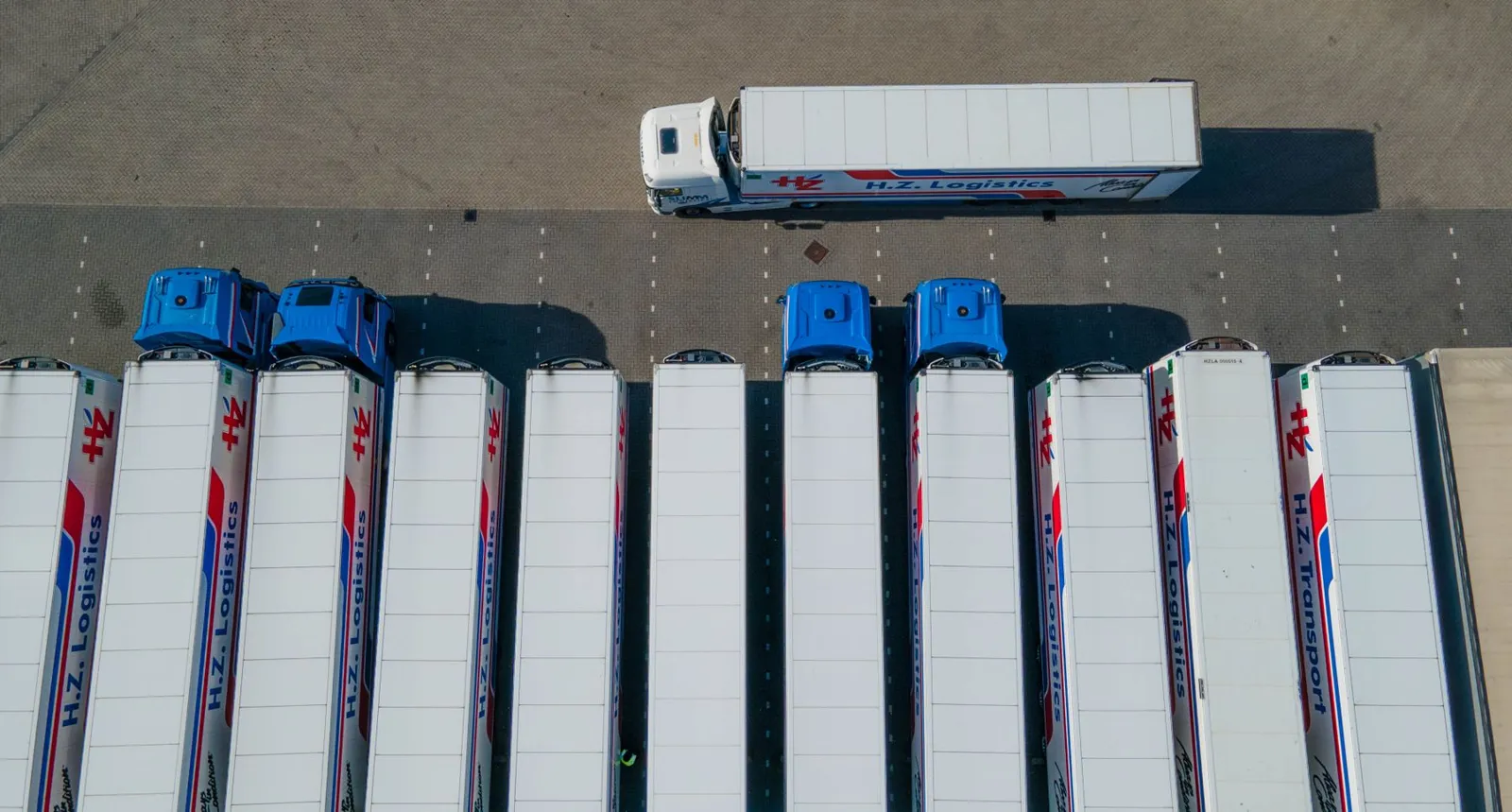
Fleet management
Fleet management software for fuel, maintenance and costs
Manage the working records behind your fleet in Kenya: vehicles, drivers, fuel, servicing and trips. Connect the operational detail to finance so your team can explain a vehicle’s costs and follow the work behind each figure.
Vehicle register
Keep each vehicle’s identity, documents, insurance and renewal dates with its operating record.
Drivers & assignments
Connect driver details, licence records and assignments to the vehicle and the work being done.
Fuel & consumption
Record issues and purchases by vehicle. Compare fuel used with mileage for the same period.
Service reminders
Follow service schedules, workshop repairs and replacement parts, with upcoming work available for review.
Trip costs
Bring distance, fuel and trip expenses together to review recorded cost per vehicle and kilometre.
Finance connection
Carry the vehicle’s operating costs into finance, with the records needed to explain each total.
Vehicle records connected to VisionONE ERP
Discuss your fleet workflowOn this page
Part of VisionONE ERP
One vehicle, connected records
Follow the work.
Then follow the cost.
Start with the vehicle and driver, record the trip, connect its evidence, and review the result with finance.
Stage 1 of 4 · Vehicle
Give the trip a vehicle and an owner.
Use a consistent vehicle identifier, then attach its documents and assigned driver. This fictional example follows V-DEMO-001; it is a record walkthrough, not a live location feed.
Illustrative record
- Vehicle
- V-DEMO-001
- Assigned driver
- Illustrative driver
- Record check
- Documents and assignment
Stage 2 of 4 · Trip
Record the distance you are costing.
Capture the trip reference and odometer readings with their supporting record. The example closes at 33,000 km after starting at 31,800 km: a distance of 1,200 km.
Illustrative record
- Trip reference
- TRIP-DEMO-014
- Opening odometer
- 31,800 km
- Closing odometer
- 33,000 km
- Distance
- 1,200 km
Stage 3 of 4 · Costs
Put the costs against the same trip.
Allocate 240 litres of fuel used to the 1,200 km trip. At the illustrative unit cost of KES 150, fuel costs KES 36,000. Add KES 10,000 servicing and parts, and KES 14,000 other trip expenses.
Illustrative record
- Fuel used
- 240 litres
- Illustrative unit cost
- KES 150 per litre
- Servicing & parts
- KES 10,000
- Other trip costs
- KES 14,000
Stage 4 of 4 · Review
Review the included costs and the gaps.
The entered categories total KES 60,000, or KES 50 per kilometre. Against KES 100,000 trip revenue, the contribution is KES 40,000 before excluded costs. Agree the full cost allocation with finance.
Illustrative record
- Included costs
- KES 60,000
- Cost per kilometre
- KES 50.00
- Trip revenue
- KES 100,000
- Contribution
- KES 40,000
Fictional records explain the handovers. The starting calculator figures below use this trip; the contribution excludes depreciation, financing and any unentered overheads.
Fuel issues and consumption
What does one
kilometre cost?
Use the same distance, fuel basis and cost categories in every comparison. Try the illustrative trip figures, then review what belongs in your full fleet reporting.
Trip cost summary
Illustrative calculation · tax excluded
- Cost per kilometre
- Included costs ÷ distance
- Included costs
- Fuel, servicing and other costs
- Fuel consumption
- Litres used per 100 km
- Trip contribution
- Revenue less included costs
| Cost item | Amount (KES) |
|---|---|
| Fuel used × unit cost | |
| Servicing & parts | |
| Other trip costs | |
| Included costs |
Read the contribution with its scope. Revenue less these entered costs is a contribution, not fully allocated profit. Depreciation, financing, unentered overheads and tax are excluded. The example explains report logic, not the software interface.
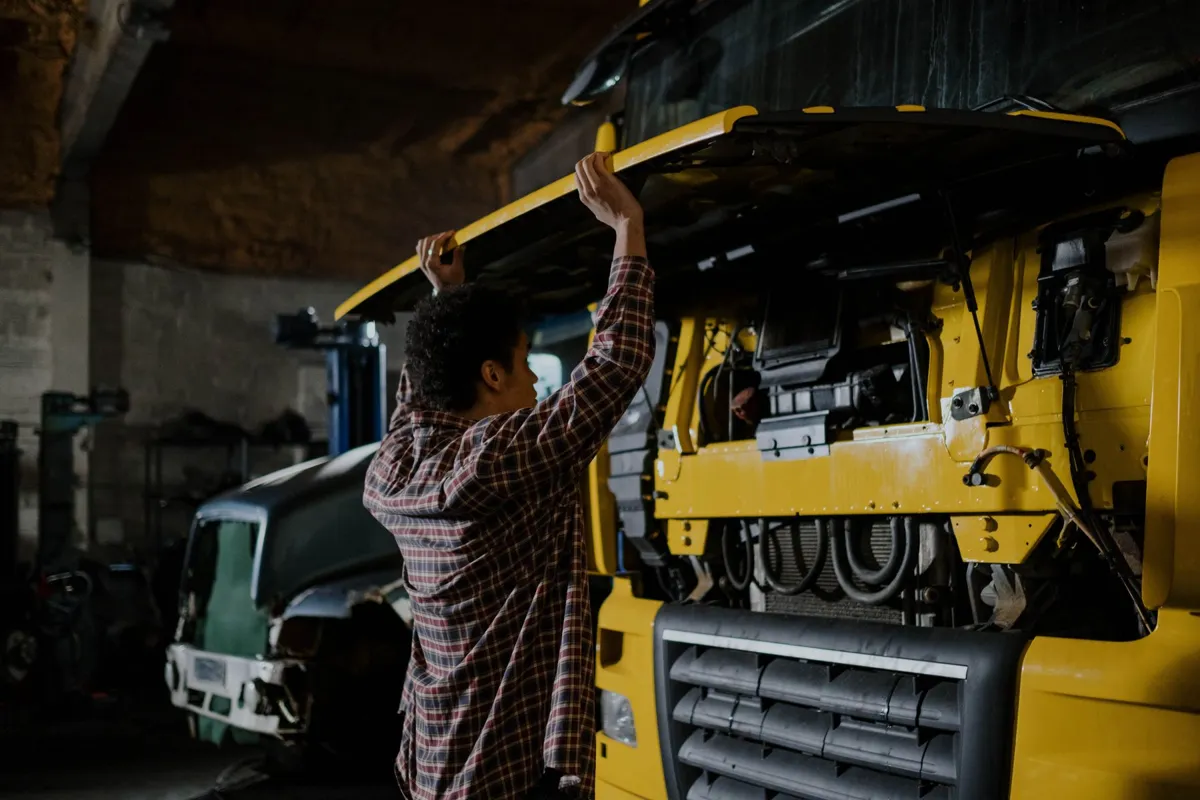
Service and renewal reminders
See what is due.
Record what was done.
Keep planned services and document renewals with the vehicle’s history. Turn a reminder into a reviewed action with an owner and supporting record.
Review date and mileage triggers
Use the service interval or recorded document date. Check which trigger needs attention before assigning the work.
Follow repairs and parts
Keep the workshop work, spare-part issues and supplier records together, then review the cost against the vehicle.
Keep renewal evidence
Track insurance, inspection and licence dates. Retain the renewed record and review the next due date.
Practical fleet controls
Make the records
worth reviewing.
Bring exceptions into the process: missing mileage, unmatched fuel, unfinished repairs and costs without supporting evidence.
Vehicle and driver records
Use one identifier for each vehicle. Check driver assignments and document dates against the records your team actually maintains.
Fuel issues and consumption
Match the fuel source to the review period. For consumption, adjust purchases for opening and closing tank stock, or use fuel allocated to the trip.
Service and renewal reminders
Review dates and mileage thresholds separately. Give service work and document renewals a named owner and a clear completion record.
Trip cost and contribution
Include the full cost categories your finance team agrees. Distinguish the contribution from a few entered costs from fully allocated profitability.
Spare parts and repair records
Follow the inventory issue to its workshop job and vehicle. Review returned or unused parts before closing the repair record.
Finance review and corrections
Agree cost-centre mapping and posting responsibilities. Resolve missing receipts, duplicate costs and allocation differences before period review.
Spare parts and finance integration
The vehicle’s cost
continues across modules.
Connect the stock issue, the asset record and the ledger to the fleet work your team needs to explain.
Choose the scope around your operation. This page covers vehicle, fuel, service and cost records. Wider transport operations and any GPS-provider connection need their own confirmed workflow and integration scope.Explore ERP for logistics and transport
Deployment and data setup
Start with records
your team can reconcile.
Prepare the vehicle data, agree the responsibilities and test the reporting basis before extending the rollout.
Prepare the records
Bring vehicle and driver lists, document expiry dates, service history, opening mileage and a sample of fuel and trip records.
Agree the review process
Choose who records mileage, checks fuel, follows workshop jobs and reviews costs. Define how exceptions and corrections are handled.
Reconcile a test period
Use a small set of vehicles to compare imported records, mileage, stock issues and finance totals. Confirm the reports before wider use.
Questions, answered
Before your
fleet demo.
Bring the records you use today and one cost you need to explain. Confirm the workflows, reports and connected modules your team needs.
Can we compare costs by vehicle and trip?
Yes. Fleet records support cost reviews by vehicle and kilometre, with trip revenue and costs available for analysis. Agree the period, cost categories and allocation basis with your finance team so comparisons use the same scope.
Can service and insurance renewals trigger reminders?
Yes. Service schedules and document expiry dates support reminders. Review the mileage or date trigger, responsible person and completion evidence for services, insurance, inspections and licences during setup.
Does fleet connect to spare-parts inventory?
Yes. Parts issued for repairs can be costed to the vehicle from Inventory & Warehousing. Review the inventory issue, workshop job and handling of unused parts with the implementation team.
Is live GPS tracking included?
Confirm GPS tracking as a separate requirement. Bring your tracking provider, device and data-access details to the demo so supported integrations and update frequency can be reviewed.
What should we prepare before implementation?
Start with vehicle and driver records, document dates, service history, opening odometers and sample fuel, trip and expense records. Agree identifiers and finance mapping, then reconcile a test period before extending the rollout.
What should we bring to a fleet demo?
Bring one vehicle’s records: a trip with opening and closing mileage, fuel used or allocated, one repair or service record, and the costs you need to explain. Use the demo to review the workflow and reporting scope together.
See it with your records
Bring one vehicle’s
working records.
Follow a trip, its fuel and a service record through VisionONE. Review the costs, the exceptions and the reporting your fleet team needs.
A focused demo around your operation, with no obligation.