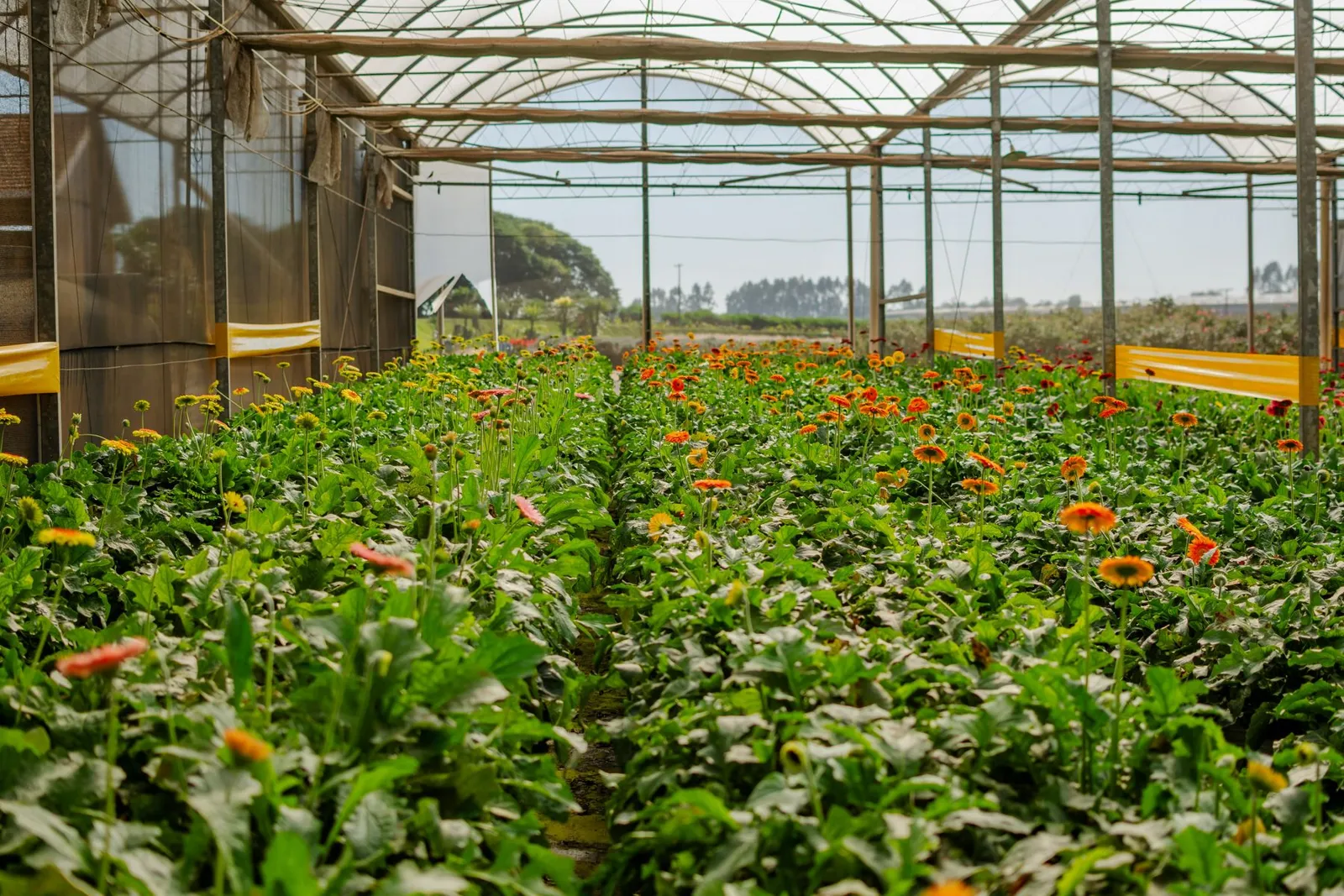
Floriculture management
Floriculture management software for farms and exporters
Keep the block, harvest and export order connected. VisionONE helps Kenyan flower-farm teams review costs, graded stems, packing and dispatch alongside inventory, payroll and finance.
Farm, block & variety costs
Bring labour, inputs and overheads to the farm and block. Review the allocation basis before comparing varieties.
Harvest & grading
Record harvested stems, grade and length. Keep other grades and rejects visible in the daily harvest balance.
Cold-store & packing
Follow graded stock into the cold store, then into customer packing profiles, bunches, cartons and dispatch records.
Export records
Prepare invoices, packing lists, box labels and shipment records around the same customer order.
Farm payroll
Connect casual and permanent employee payroll records with approved periods, statutory inputs and farm cost review.
Yield & margin review
Review block yield and variety or customer margins with the area, period, revenue and agreed costs behind them.
From greenhouse records to export-order review
Discuss your flower-farm workflowOn this page
Part of VisionONE ERP
Costs by farm, block and variety
Keep the block reference
with the harvest.
Follow one fictional block through cost records, grading, packing and dispatch. Each step carries the references needed to reconcile the next.
Stage 1 of 4 · Cost
Start with a consistent block and variety.
Give labour, input and overhead records a farm, block and variety reference. The fictional September review below contains KES 52,000 in recorded costs, including a separate packing and dispatch entry. Agree allocation before using these records for margin.
Illustrative record
- Farm
- FARM-DEMO-A
- Block
- GH-DEMO-B02
- Variety
- VAR-DEMO-A
- Recorded cost review
- September 2026 · KES 52,000
Stage 2 of 4 · Harvest
Account for every harvested stem.
On 28 September, the fictional lot contains 10,000 harvested stems. Review 8,800 in the export grade, 700 in another grade held separately and 500 rejects. The three classifications reconcile to the harvest total.
Illustrative record
- Harvest lot
- HARVEST-DEMO-016
- Export grade
- 8,800 stems
- Other grade held
- 700 stems
- Rejects
- 500 stems
Stage 3 of 4 · Pack
Keep the grade with the packed quantity.
The illustrative order uses 20 cartons, each with 18 bunches of 20 stems: 7,200 stems packed. Keep the harvest lot and grade attached to the packing record. Packing changes the stock’s handling status; the stock deduction follows the recorded dispatch.
Illustrative record
- Order
- ORDER-DEMO-016
- Packing record
- PACK-DEMO-016
- Packing profile
- 20 cartons × 18 bunches × 20 stems
- Packed quantity
- 7,200 stems
Stage 4 of 4 · Dispatch
Review the dispatch and remaining grade.
The fictional dispatch records 7,200 stems against the 8,800 export-grade receipt, leaving 1,600 export-grade stems. The other 700 stems remain in their own grade; the 500 rejects stay outside available stock. Invoice and receipt review follow their own records.
Illustrative record
- Dispatch
- SHIP-DEMO-016
- Dispatched quantity
- 7,200 stems
- Export grade remaining
- 1,600 stems
- Harvest date
- 28 September 2026
Harvest, grading and rejects
Reconcile the harvest.
Keep each grade clear.
Read the stem balance, the packing movement and the supporting costs as distinct records. Every quantity in this example reconciles to its source.
Start with a harvest that balances.
Of 10,000 harvested stems, 8,800 are reviewed in the export grade, 700 belong to another grade and 500 are rejects. Keep the lot, block, variety and grading record together.
- Reviewed export grade
- 8,800 stemsBefore the example dispatch
| Classification | Stems |
|---|---|
| Reviewed export gradeHeld by lot and grade before dispatch | 8,800 |
| Other grade held separatelyAvailable for its own reviewed order or use | 700 |
| RejectsExcluded from available graded stock | 500 |
| Harvested total | 10,000 |
The 700 other-grade stems have a separate classification. The 500 rejects are excluded from available graded stock.
See what dispatch leaves in stock.
The order profile packs 7,200 stems: 20 cartons × 18 bunches per carton × 20 stems per bunch. The recorded dispatch reduces the 8,800 export-grade stems to 1,600.
- Export grade remaining
- 1,600 stemsAfter SHIP-DEMO-016
| Movement | Stems |
|---|---|
| Export-grade receiptHARVEST-DEMO-016 | 8,800 |
| Recorded dispatchSHIP-DEMO-016 · ORDER-DEMO-016 | 7,200 |
| Export grade remaining | 1,600 |
The stock deduction occurs at the recorded dispatch. Packing keeps its own handling reference. Other grades and rejects are reviewed separately.
Review the records behind the total.
Labour, inputs, overheads, packing and dispatch total KES 52,000 in this fictional September review. Keep the block and supporting records visible while agreeing which costs belong to each period, variety and order.
- Recorded costs
- KES 52,000Allocation and margin need their own review
| Cost record | KES |
|---|---|
| Labour recordsApproved farm payroll inputs | 24,000 |
| Input recordsChemicals, fertiliser and other recorded inputs | 15,000 |
| Overhead recordsReview the allocation basis | 9,000 |
| Packing & dispatch recordKeep the order and supporting record | 4,000 |
| Recorded total | 52,000 |
This is a recorded cost total. It does not calculate profit, margin or cost per stem; the approved allocation, inventory and revenue basis must be agreed first.
Fictional records explain the workflow. Review actual VisionONE screens, grading rules, packing layouts and the approved cost model in your demo.

Cold-store and packing records
Carry the grade
into the packing record.
Connect available graded stock with the customer’s order profile. Make the bunch, carton and dispatch quantities easy to check before flowers leave the farm.
Identify the stock lot and grade
Keep the cold-store stock reference, variety, grade and quantity with the harvest record. Review the available grade before packing the order.
Confirm the customer’s packing profile
Agree bunch size, bunches per carton, carton count and labels. Check the multiplication against the stems reserved for the order.
Check the recorded dispatch
Reconcile the packing list and shipped quantity with the same lot. Keep any remaining grade available for the next reviewed order.
Export documents and shipment records
Prepare export records
from the same order.
Keep the customer, packed quantities and dispatch references consistent across the order’s documents. Bring your current layouts to the demo.
Export invoices
Keep customer, order, currency and line quantities with the invoice. Agree the applicable invoice settings and credit process during setup.
Packing lists & box labels
Carry the order, variety, grade, bunches and carton quantities into the packing documents. Confirm the supported layout with a sample from your team.
Shipment records
Keep the order, packing reference, dispatch quantity and shipment details together so the team can trace what left the farm.
Farm payroll and statutory inputs
Bring farm payroll
into cost review.
Connect approved payroll records for casual and permanent employees with the farm’s labour cost review. Keep the payroll period, employee group and allocation reference visible.
Agree statutory settings and reporting requirements with your payroll team, then test the approved inputs and cost-centre flow before rollout.
Yield and margin reports
Review yield and margin
on an agreed basis.
Use the source records and assumptions behind each report. A harvested quantity, an export order and a cash receipt answer different questions.
Yield by block
Use a stated reporting period, block area and agreed harvest classifications. Compare like-for-like areas and periods, with rejects visible in the source records.
Margin by variety
Review the revenue, stock movements and approved cost allocation for each variety. Keep shared labour and overhead assumptions with the report.
Margin by customer
Review invoiced sales, credits, freight, fees and the agreed currency basis for each customer or order. Read cash receipts alongside their own collection records.
The illustrative KES 52,000 cost review contains no revenue figure, agreed allocation or block-area basis. Establish those inputs before using it for a margin or yield-per-area calculation.
Connected farm records
Bring stock, people
and equipment into view.
Scope the connected modules around the records your farm and export teams need to reconcile.
Start with the floriculture software workflow. This page covers block costs, harvest, grading, cold-store stock, packing and export records. Wider agriculture-business ERP needs can be scoped around finance, purchasing, payroll and the modules your team will use.
Pricing, migration and setup
Start with one block.
Review one complete period.
Agree the records, allocations and export layouts first. Use a reconciled test period to confirm the setup and training your team needs.
Prepare one block’s records
Bring farm and block references, varieties, input and labour records, one harvest, grading, cold-store stock and a customer packing profile.
Agree the review basis
Confirm the cost period, allocation rules, grade definitions, stock movement points, export documents and connected payroll and finance workflows.
Reconcile and train the team
Run a complete test period from harvest to dispatch and cost review. Reconcile opening stock and quantities, then train the people who enter and approve records.
Questions, answered
Before your
floriculture demo.
Bring one harvest and the records around it. Confirm the grading, packing, documents, costing and connected modules your team needs.
Can costs be allocated by block and variety?
Yes. Farm, block and variety references can support cost review for labour, inputs and overheads. Agree the allocation rules, reporting period and treatment of shared costs during setup before comparing margins.
Can harvest and grading records connect to export orders?
Yes. Carry the harvest lot, variety, grade and quantity through cold-store stock, packing and dispatch records for the order. In your demo, trace one lot and confirm how reservations, remaining stock and exceptions are recorded.
Can farm payroll feed costing?
Yes. Review approved casual and permanent employee payroll records alongside the agreed farm and block cost centres. Confirm employee groups, earnings inputs, statutory settings and the labour allocation basis with your payroll and finance teams.
Which export documents are supported?
The published floriculture scope covers export invoices, packing lists, box labels and shipment records. Bring the documents your team uses so the demo can confirm the actual supported templates, fields and workflow for your operation.
How are packing quantities and rejects kept clear?
Reconcile the harvested total to each reviewed grade and rejects. Check cartons × bunches per carton × stems per bunch against the packed quantity, then reconcile the recorded dispatch to remaining stock. Keep other grades separate and exclude rejects from available graded stock.
How do we plan pricing and migration?
Request a scoped proposal using your farms, blocks, varieties, users and required modules. Include opening stock, historical records, export layouts, allocation rules and training needs so software, implementation, migration and support are covered in the written scope.
What should we bring to a floriculture demo?
Bring anonymised records for one block: a harvest and its grades, labour and input costs, a packing profile, an export order and the reports you need. Include an exception such as rejected stems, a partial dispatch or a shared labour cost.
See it with your records
Bring one harvest.
Follow it to export.
Review a block’s costs, graded stems, customer packing profile and dispatch. Include one exception so the demo covers the work behind the figures.
A focused demo around your operation, with no obligation.