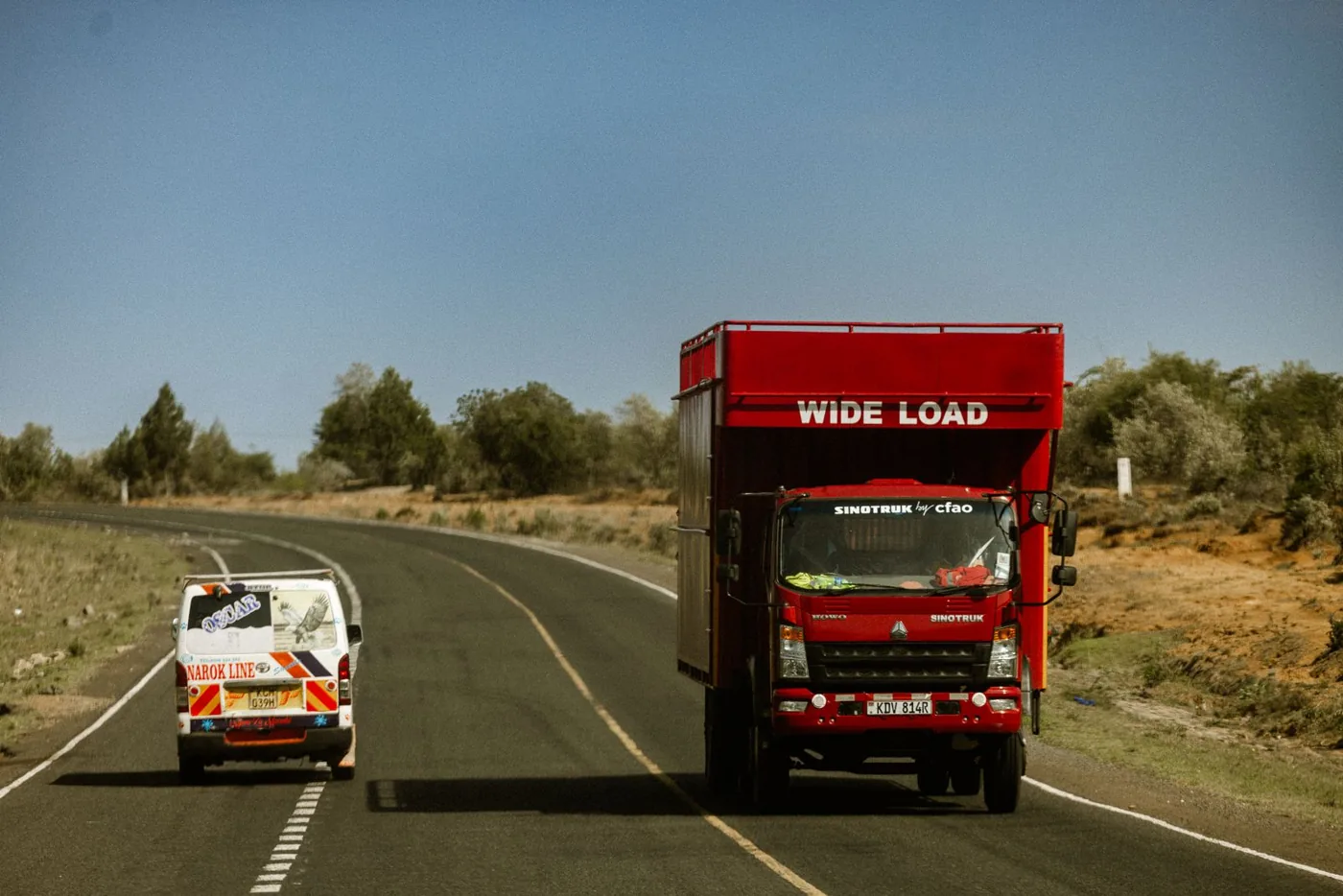
Logistics & transport
ERP for logistics and transport businesses in Kenya
Follow the business behind each transport job. VisionONE connects vehicle and trip costs with customer invoicing, collections, payroll, purchasing and finance so operations and accounts can review the same source records.
Transport jobs & trips
Keep the customer, agreed charge, vehicle and trip reference together. Follow the job’s operational records through to its invoice and account.
Job & trip costing
Review fuel, driver costs, tolls and attributable maintenance against revenue. Keep cost allocations and the basis of each result visible.
Vehicles & drivers
Connect vehicle and driver records with trip assignments, service history and document expiry. Review readiness before allocating the work.
Invoicing & collections
Keep customer billing, the configured eTIMS response and matched payments with the transport job. Review outstanding balances and due dates.
Purchasing & spare parts
Connect approved purchases, workshop stock and parts issued to a repair. Record the vehicle and job context needed for costing.
Payroll & finance
Bring staff pay and transport costs into the financial review. Agree how payroll and shared vehicle costs are allocated without counting them twice.
Transport operations connected to VisionONE ERP
Discuss your transport workflowOn this page
Part of VisionONE ERP
A transport job from booking to cash
From the booked job
to its costs and collection.
Follow one fictional transport job through its agreed charge, source costs, invoice and matched receipt. Keep the commercial result and payment status distinct.
Stage 1 of 4 · Book
Start with the customer and commercial record.
The fictional booking JOB-DEMO-020 agrees a KES 90,000 transport charge with CUSTOMER-DEMO-A. Link it to TRIP-DEMO-020, TRUCK-DEMO-A and DRIVER-DEMO-A. The example records a total 600 km journey; it is not a distance claim for a named Kenyan route.
Illustrative record
- Transport job
- JOB-DEMO-020
- Trip reference
- TRIP-DEMO-020
- Agreed charge
- KES 90,000
- Recorded distance
- 600 km
Stage 2 of 4 · Cost
Build the job result from recorded costs.
Record KES 30,000 fuel, KES 12,000 allocated driver cost and KES 3,000 tolls. This example also attributes KES 6,000 parts and KES 4,000 workshop labour to the job. These five costs total KES 55,000. Each allocation is fictional and needs an agreed basis in a real operation.
Illustrative record
- Fuel
- KES 30,000
- Driver cost and tolls
- KES 15,000
- Parts and workshop labour
- KES 10,000
- Total modelled cost
- KES 55,000
Stage 3 of 4 · Invoice
Bill the job and retain its supporting records.
INV-DEMO-020 bills the agreed KES 90,000 charge against JOB-DEMO-020. Revenue less KES 55,000 modelled costs leaves KES 35,000 contribution before unmodelled overhead. Keep the job evidence and configured eTIMS submission history with the source invoice.
Illustrative record
- Invoice
- INV-DEMO-020
- Job revenue
- KES 90,000
- Modelled costs
- KES 55,000
- Illustrative contribution
- KES 35,000
Stage 4 of 4 · Collect
Read the job invoice inside the customer account.
Review and allocate the fictional KES 60,000 receipt RCPT-DEMO-020 to INV-DEMO-020, leaving KES 30,000 on that invoice. With a separate prior balance of KES 15,000, the closing customer receivable is KES 45,000. Cash collected is distinct from the job’s contribution.
Illustrative record
- Matched receipt
- KES 60,000
- Job invoice remaining
- KES 30,000
- Prior outstanding
- KES 15,000
- Customer closing balance
- KES 45,000
Fictional records explain the ERP journey; they are not product screens or customer results. Amounts exclude tax and unmodelled overhead. Cost allocations, distance and references are illustrative; no real vehicle registration or market fuel price is invented.
Job and trip costing, customer accounts and source records
One transport job.
Its result, balance and evidence.
Logistics ERP software in Kenya should help teams explain the recorded costs, customer billing and remaining receivable. Review each question through the same job references.
See the revenue and cost behind one transport job.
JOB-DEMO-020 has KES 90,000 revenue and KES 55,000 modelled costs. Its illustrative contribution is KES 35,000, or 38.89% of revenue. Review the cost coverage before treating this as a profit measure.
- Illustrative job contribution
- KES 35,000KES 90,000 less KES 55,000
| Measure | Amount KES |
|---|---|
| Fuel | 30,000 |
| Allocated driver cost | 12,000 |
| Tolls | 3,000 |
| Issued parts | 6,000 |
| Workshop labour | 4,000 |
| Total modelled costs | 55,000 |
| Job revenue | 90,000 |
| Contribution | 35,000 |
The 600 km journey gives KES 91.67 modelled cost per km. Insurance, depreciation, financing and other overhead are excluded, so this is not a full vehicle cost or net profit.
Keep the collection status with the open invoices.
The prior KES 15,000 balance plus INV-DEMO-020 at KES 90,000 gives KES 105,000 before payment. The KES 60,000 allocation leaves KES 30,000 on the job invoice and KES 45,000 on the customer account.
- Closing receivable
- KES 45,000KES 105,000 less KES 60,000 receipt
| Account movement | Amount |
|---|---|
| Prior outstanding | 15,000 |
| INV-DEMO-020 | 90,000 |
| Allocated RCPT-DEMO-020 | −60,000 |
| Closing customer balance | 45,000 |
Use actual invoice due dates for ageing. This example supplies no due dates and does not label the prior balance overdue. Payment allocation does not establish eTIMS acceptance.
Read the job with the evidence behind its result.
Link trip costs, customer billing and receipt allocation through JOB-DEMO-020. In the illustration, KES 6,000 of issued parts is counted once within the KES 55,000 job costs; it is not added again as a supplier purchase expense.
- Source job
- JOB-DEMO-020Trip, cost, invoice and receipt references
| Record | Review |
|---|---|
| TRIP-DEMO-020Vehicle and driver context | 600 km |
| COST-DEMO-020Five modelled cost categories | KES 55,000 |
| INV-DEMO-020Customer billing | KES 90,000 |
| RCPT-DEMO-020Allocated customer receipt | KES 60,000 |
Confirm the actual dimensions and drill-down available in your configuration. Vehicle-level costs and job-level allocations need a documented policy to avoid double counting.
These are educational record views, not a live financial report. Confirm the actual job, route, vehicle and customer dimensions with a current product example.
Customer invoicing and receivables
Connect the completed job
to billing and collection.
Keep the job’s commercial records close to finance. Review the agreed charge, customer invoice and integration result, then follow the allocated receipts and outstanding balance.
- Keep the agreed customer charge and supporting job records with the invoice.
- Review the configured eTIMS response separately from trip completion.
- Match reviewed bank or M-Pesa receipts to the customer and open invoice.
Completion, contribution and cash answer different questions.
Job records explain the work. Revenue and attributable costs explain the contribution. Invoice and receipt records explain what remains to collect. Review disputed charges and unallocated payments with their source evidence.

Review the job invoice and returned integration details together, with an owner for unresolved responses.

Agree taxpayer and branch records, the supported route and testing responsibilities for your proposed integration.

Identify the customer and invoice behind the payment reference before treating the transport account as settled.
Confirm the eTIMS add-on and payment integration scope for your deployment. Logos identify the referenced services; they do not establish certification or endorsement.

Vehicles, drivers, payroll and spare parts
Keep people and workshop costs
with the work they support.
The transport operation extends beyond the trip sheet. Connect driver records, payroll, purchasing and workshop inventory with the vehicle and the financial responsibilities behind each job.
Review the driver and vehicle record
Keep driver assignment, relevant documents and vehicle service history with the operating review. Confirm the approved readiness checks and who may release an assignment.
Agree the payroll allocation
Bring authorised staff records and pay inputs into HR and payroll. Define how driver or workshop costs reach the job or cost centre, distinguishing expenses from advances and reimbursements.
Trace spare parts into the repair
Follow approved purchases into workshop inventory, then record parts issued to the vehicle. Read the repair job, stock issue and labour cost together.
Operational and financial checks
Make each transport result
explainable from its records.
Agree the references, approvals and allocation rules before comparing jobs, routes or customers. Include the exceptions your operations and accounts teams need to resolve.
Job and billing references
Keep the customer agreement, trip, vehicle and invoice tied to the correct job. Review changed charges, waiting time or cancelled work against approved terms.
Cost allocation and profitability
Define which costs belong directly to a job and how shared costs are distributed. Review accruals and reversals; do not count the same payroll or repair expense twice.
Fuel purchases and readings
Retain supplier receipts, litres and recorded distance with the vehicle. Compare periods using consistent readings; an unusual figure calls for review rather than proving misuse.
Driver and vehicle readiness
Review the assignment, service due records and document expiry. Keep workshop work and unresolved readiness questions visible to the responsible team.
Parts, purchasing and approvals
Follow the purchase, receipt, workshop stock issue and repair reference. Agree approvals and how unused or returned parts affect inventory and cost.
Customer account and cash
Verify invoice references and payment allocations. Keep unallocated receipts, disputed charges and due dates visible during collection and month-end review.
Fleet, finance and people in the ERP
Bring the transport operation
and its accounts together.
Use the fleet module for vehicle detail, then connect the commercial, financial and people processes around it.
Agree the boundaries of the transport setup. The examples cover ERP job references, recorded costs, invoicing and collection. GPS tracking, route optimisation, automated dispatch, electronic proof of delivery, freight forwarding and customs systems need separate confirmation. Explore inventory for spare parts within the agreed workshop scope.
Reports and implementation
Your jobs, cost policy
and rollout plan.
Define the operational references and financial reports first. Use a completed transport job to review the data, integration scope and reconciliation before cutover.
Prepare jobs, vehicles and financial records
Bring customer charges, job references, vehicle and driver records, service history, fuel data, spare-part items, payroll inputs and opening balances. Identify each data owner.
Demonstrate the complete business journey
Follow one job through recorded trip costs, workshop parts, customer invoicing and receipt allocation. Test a disputed charge, unallocated payment and shared-cost allocation.
Reconcile, report and train the teams
Reconcile job results, vehicle costs, inventory and customer balances to finance. Agree reports, payroll and eTIMS scope, cutover, training and support before rollout.
Questions, answered
Before your
transport ERP demo.
Bring one completed job and the cost, invoice and payment records behind it. Review the operational detail and the financial outcome together.
Can we see revenue and cost per transport job?
VisionONE describes profitability views by trip, route and customer. Agree your job reference, revenue basis and cost coverage, then review a real sample. The illustrated KES 35,000 contribution excludes several overheads and is not net profit. Confirm the job dimensions and allocation options supported in your configuration.
How do fleet records connect to finance?
Fleet records can connect vehicle, fuel, service and trip costs to financial postings. Review one source expense and its ledger entry, including vehicle and job references where supported. Agree how shared costs, parts issues and payroll allocations reach reports without being counted twice.
Can spare parts and payroll be included?
Include Inventory & Warehousing and HR & Payroll in the agreed module scope. Review a spare-part purchase, stock receipt and workshop issue, then approved payroll inputs and their finance posting. Confirm how your deployment allocates those costs to vehicles, jobs or cost centres.
Which transport workflows are supported?
The public scope describes vehicles, drivers, fuel, service and trip profitability, connected with ERP finance. Use an end-to-end demo to confirm job references, customer billing, payroll and workshop-stock requirements. Advanced dispatch, live GPS, route optimisation, electronic proof of delivery and freight-forwarding or customs functions require separate evidence and scoping.
Can customer invoices connect to eTIMS?
Discuss the configured Kenyan eTIMS add-on and its onboarding, submission and support scope. Keep the customer invoice and returned response linked to the transport record. Review a permitted real response; neither a completed trip nor a matched receipt proves invoice acceptance.
How should fuel and cost per kilometre be reviewed?
Use consistent distance readings, fuel quantities, expense periods and cost coverage. The fictional 600 km job has KES 55,000 modelled costs, or KES 91.67 per km. This excludes insurance, depreciation and other overhead, so it is not a complete vehicle-cost benchmark.
Does the page assume live GPS or automated dispatch?
No. The examples explain ERP job records, recorded costs, billing and collection. Confirm any GPS provider, live-location requirement, scheduling automation or route optimisation separately, with a demonstrated integration and written scope.
What should we bring to a logistics ERP demo?
Bring one completed job, its agreed customer charge, vehicle and driver reference, fuel and expense records, a repair or parts issue, and its invoice and payment. Add an exception and the report you need. This lets the demonstration cover both operations and the financial outcome.
See it with your records
Bring one transport job.
Follow the cost, invoice and cash.
Review the trip, vehicle, driver costs and workshop records, then follow customer billing and collection. Include one exception and the report your team needs.
A focused demo around your transport business, with no obligation.